

Smartphones have become an essential part of our daily lives, storing everything from personal photos and financial information to emails, passwords, and sensitive work files. As mobile devices continue to play a central role in communication, banking, shopping, and entertainment, they have also become a prime target for cybercriminals.
Simple practices such as keeping your operating system updated, using strong passwords, enabling biometric authentication, installing apps only from trusted sources, and avoiding suspicious links can greatly improve your device’s security. Additionally, using a reputable antivirus app, activating two-factor authentication, and regularly backing up your data provide extra layers of protection against potential attacks.
Why Mobile Security Matters?
Your smartphone contains more personal information than almost any other device you own. Criminals target mobile devices because they often contain:
- Banking applications
- Credit card information
- Personal photographs
- Social media accounts
- Emails
- Business files
- Password managers
- Medical information
- Digital wallets
A single security breach can result in financial loss, identity theft, or unauthorized access to your private accounts.
Keep Your Operating System Updated
Software updates are one of the simplest yet most effective security measures.
Manufacturers regularly release updates that include:
- Security patches
- Bug fixes
- Performance improvements
- Vulnerability corrections
Delaying updates leaves your device exposed to known exploits that hackers actively target.
Best Practices
- Enable automatic updates.
- Install security patches immediately.
- Update apps regularly.
- Remove unsupported devices from daily use.
Use Strong Passwords and Passcodes
Weak passwords remain one of the biggest security risks.
Avoid passwords like:
- 123456
- Password
- 0000
- Birthdays
- Phone numbers
Instead, create passwords that combine:
- Uppercase letters
- Lowercase letters
- Numbers
- Special characters
For device unlock, use:
- Six-digit PIN
- Long passcode
- Complex password
Longer passwords provide significantly stronger protection.
Enable Biometric Authentication
Modern smartphones support:
- Fingerprint recognition
- Face recognition
- Iris scanning
Biometric security offers convenience while reducing unauthorized access.
Whenever available, combine biometrics with a secure PIN for maximum protection.
Download Apps Only from Trusted Sources
Many malware infections originate from fake applications.
Always install apps from:
- Google Play Store
- Apple App Store
Avoid:
- Third-party app stores
- Unknown APK downloads
- Modified applications
- Pirated software
Before installing an app:
- Read reviews.
- Check developer information.
- Review permissions.
- Verify download numbers.
Review App Permissions Regularly
Many apps request unnecessary access to:
- Contacts
- Camera
- Microphone
- Location
- SMS
- Storage
Grant only permissions essential for the app’s functionality.
Regularly review permission settings and revoke access when no longer needed.
Enable Two-Factor Authentication (2FA)
Passwords alone cannot guarantee account security.
Two-factor authentication adds another verification layer using:
- SMS codes
- Authentication apps
- Security keys
- Email verification
Even if someone steals your password, they still need the second authentication factor.
Enable 2FA for:
- Banking
- Social media
- Cloud storage
- Password managers
Avoid Public Wi-Fi Without Protection
Free public Wi-Fi networks are convenient but risky.
Hackers can intercept data transmitted over unsecured networks.
Avoid accessing:
- Online banking
- Payment systems
- Business accounts
- Sensitive emails
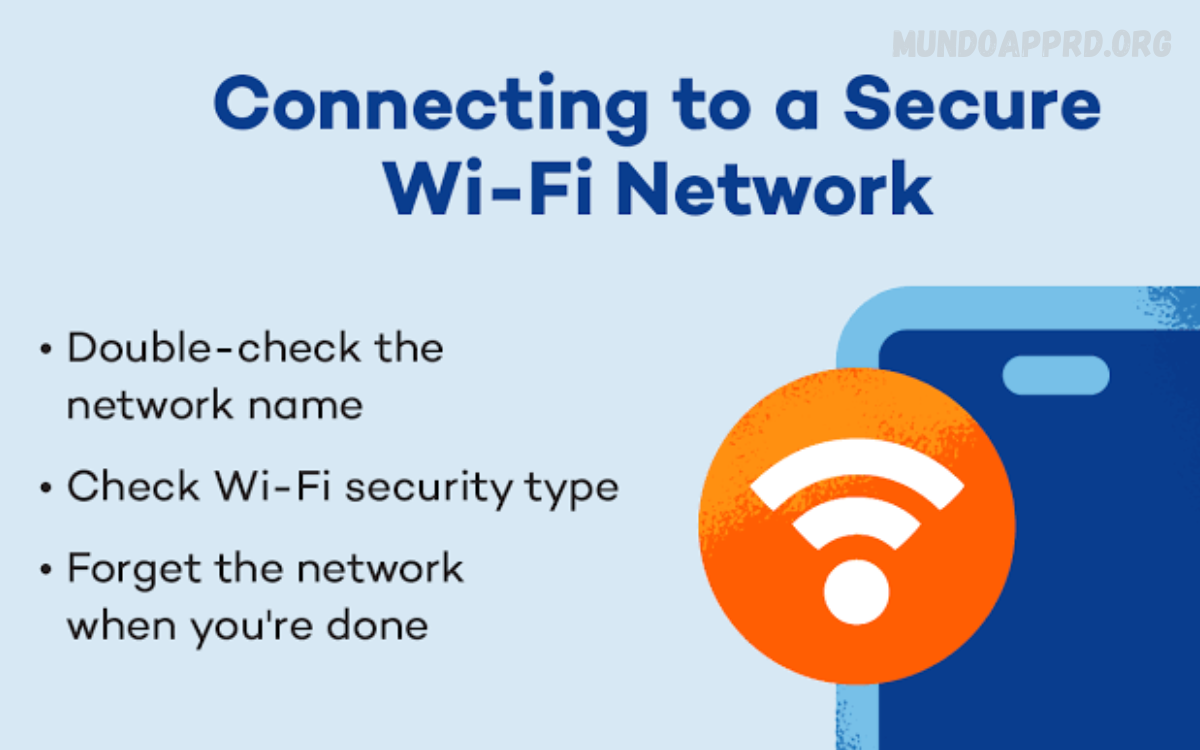
If public Wi-Fi is necessary:
- Use a trusted VPN.
- Disable file sharing.
- Turn off automatic Wi-Fi connections.
- Forget public networks after use.
Install a Reliable Mobile Security App
Quality mobile security software helps detect:
- Malware
- Spyware
- Phishing websites
- Dangerous downloads
- Unsafe links
Premium security applications also provide:
- Anti-theft tools
- VPN services
- Identity monitoring
- Secure browsing
- Privacy protection
Choose security software from reputable developers with strong customer reviews.
Beware of Phishing Attacks
Cybercriminals frequently impersonate:
- Banks
- Delivery companies
- Government agencies
- Online stores
- Social media platforms
Common phishing tactics include:
- Fake login pages
- Urgent account warnings
- Prize notifications
- Delivery tracking scams
- Account verification requests
Never click suspicious links.
Instead:
- Visit websites manually.
- Verify sender addresses.
- Contact companies directly if uncertain.
Secure Your Device with Encryption
Most smartphones now offer built-in encryption.
Encryption ensures your data remains unreadable if someone gains physical access to your phone.
Benefits include:
- Data privacy
- Theft protection
- Secure storage
- Compliance with business security policies
Verify encryption settings within your device security options.
Backup Your Data Frequently
Even secure devices can suffer:
- Theft
- Damage
- Malware
- Accidental deletion
- Hardware failure
Regular backups ensure important information remains recoverable.
Backup:
- Photos
- Videos
- Contacts
- Documents
- Messages
- App data
Use encrypted cloud storage or secure local backups.
Read Also: Dark Web Explained: A Comprehensive Information Guide
Lock Your Device Automatically
Configure automatic screen locking after short periods of inactivity.
Recommended timeout:
- 30 seconds
- 1 minute
This prevents unauthorized access when your phone is left unattended.
Always manually lock your device before placing it in your pocket or bag.
Enable Find My Device Features
Android and iPhone both include remote tracking services.
These tools allow users to:
- Locate lost devices
- Lock phones remotely
- Display contact information
- Erase sensitive data
- Trigger alarms
Activate these features immediately after purchasing a new device.
Avoid Rooting or Jailbreaking
Rooting and jailbreaking remove built-in security protections.
While they provide additional customization, they also expose devices to:
- Malware
- System vulnerabilities
- Unsupported software
- Security bypasses
Unless absolutely necessary, keep your device in its official configuration.
Turn Off Bluetooth When Not in Use
Bluetooth can become an entry point for attackers.
Disable Bluetooth whenever it isn’t needed.
Also:
- Reject unknown pairing requests.
- Remove unused devices.
- Keep Bluetooth firmware updated.
These simple habits reduce the risk of wireless attacks.
Protect Sensitive Files
Store confidential files using encrypted storage.
Avoid saving passwords in plain text.
Consider secure password managers for:
- Banking credentials
- Login information
- Payment cards
- Secure notes
Password managers generate strong, unique passwords for every account.
Monitor Your Accounts Regularly
Review account activity frequently.
Watch for:
- Unknown logins
- Password reset emails
- Unauthorized purchases
- Suspicious messages
- Banking alerts
Early detection helps prevent larger security incidents.
Avoid Clicking Unknown Links
Cybercriminals distribute malicious links through:
- SMS
- Social media
- Messaging apps
- QR codes
Always verify links before opening them.
If uncertain, navigate directly to the official website instead of using embedded links.
Remove Unused Applications
Old applications may:
- Stop receiving updates
- Contain vulnerabilities
- Consume storage
- Increase attack surfaces
Delete apps you no longer use.
Regular maintenance keeps your smartphone cleaner and more secure.
Educate Yourself About New Threats
Cybersecurity evolves constantly.
Stay informed by following trusted technology news and security advisories.
Understanding emerging threats helps you recognize:
- New phishing scams
- Fake applications
- AI-powered fraud
- Mobile ransomware
- Social engineering attacks
Knowledge remains one of the strongest security defenses.
Mobile Security Best Practices Checklist
Follow these habits consistently:
- Keep software updated.
- Use strong passwords.
- Enable biometric authentication.
- Turn on two-factor authentication.
- Download apps only from official stores.
- Review app permissions.
- Use antivirus software.
- Avoid suspicious links.
- Backup important data.
- Enable Find My Device.
- Lock your phone automatically.
- Use encrypted storage.
- Avoid rooting or jailbreaking.
- Disconnect from unsafe Wi-Fi.
- Turn off Bluetooth when unused.
Practicing these habits dramatically improves your mobile security.
Common Mobile Security Mistakes
Avoid these frequent errors:
- Ignoring software updates
- Reusing passwords
- Downloading pirated apps
- Using unsecured public Wi-Fi
- Clicking suspicious links
- Disabling security features
- Granting excessive app permissions
- Forgetting regular backups
- Leaving Bluetooth enabled continuously
- Failing to activate remote device tracking
Recognizing these mistakes helps reduce your exposure to cyber threats.
Frequently Asked Questions
Is it safe to use public Wi-Fi on my phone?
Public Wi-Fi can be risky because cybercriminals may intercept your data. If you must use public Wi-Fi, avoid accessing sensitive accounts and use a trusted Virtual Private Network (VPN) for added security.
Can antivirus software protect my smartphone?
Yes. A reputable mobile security or antivirus app can help detect malware, block phishing websites, scan downloads, and provide additional protection against cyber threats.
What is two-factor authentication (2FA), and why should I use it?
Two-factor authentication adds an extra layer of security by requiring a second verification step, such as a code sent to your phone or generated by an authentication app. This makes it much harder for attackers to access your accounts.
Should I download apps from third-party websites?
No. Download apps only from official sources, such as the Google Play Store or Apple App Store, to reduce the risk of installing malicious or fake apps.
What should I do if my smartphone is lost or stolen?
Use your device’s Find My Device or Find My iPhone feature to locate, lock, or erase your phone remotely. Immediately change passwords for important accounts and notify your mobile carrier if necessary.
How can I recognize a phishing attack on my phone?
Be cautious of unexpected messages or emails asking for personal information, urgent account verification, suspicious links, or offers that seem too good to be true. Always verify the sender before clicking any link.
What are the most essential mobile security tips to protect your device?
The most effective security practices include keeping your software updated, using strong passwords, enabling biometric authentication and 2FA, downloading apps only from trusted sources, avoiding suspicious links, backing up your data regularly, reviewing app permissions, and using secure Wi-Fi connections.
Conclusion
Mobile devices have become central to our personal and professional lives, making their security more important than ever. Cybercriminals continuously seek new ways to exploit vulnerabilities, but adopting smart security habits can dramatically reduce your risk.
Following the Essential Mobile Security Tips to Protect Your Device, such as keeping software updated, using strong passwords, enabling two-factor authentication, downloading apps only from trusted sources, avoiding phishing scams, and regularly backing up your data, creates multiple layers of protection against modern threats.
