

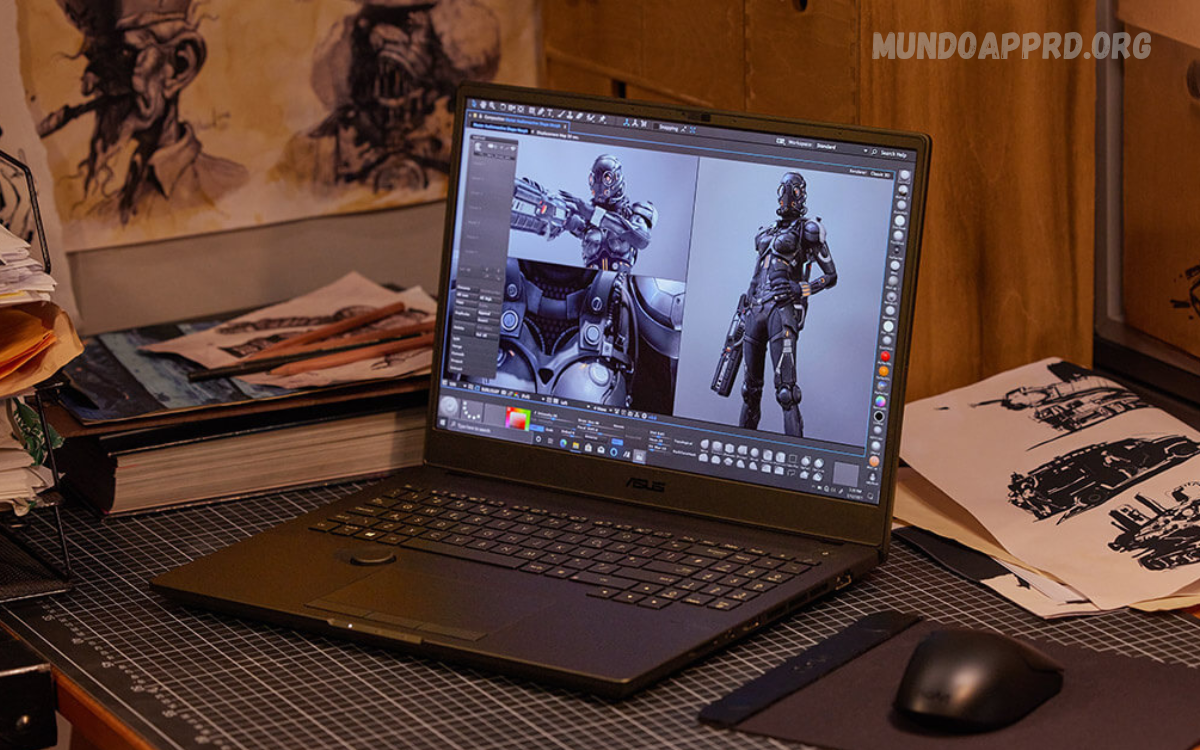
Laptops have evolved far beyond simple computing tools they are now powerful machines capable of handling demanding tasks like high-end gaming and professional content creation. Whether you are a gamer chasing ultra-smooth frame rates or a content creator working on video editing, 3D rendering, or graphic design, the right laptop can make all the difference in performance and efficiency.
Gaming laptops are designed with robust graphics cards, high-refresh-rate displays, and advanced cooling systems to ensure immersive gameplay without lag or overheating. On the other hand, laptops for content creation prioritize processing power, memory, and color-accurate displays to deliver flawless performance for tasks like photo editing, animation, and video production.
Why Choose a Laptop for Gaming & Content Creation?
The demand for laptops that can handle both gaming and content creation is growing rapidly. Gamers require high frame rates, fast graphics processing, and responsive displays to enjoy smooth gameplay. Content creators, on the other hand, need powerful processors, large RAM, high storage, and color-accurate displays to run software like Adobe Premiere Pro, Photoshop, After Effects, and Blender without lag. Laptops designed for these purposes combine raw power with portability, enabling users to work or play anywhere without sacrificing performance.
By investing in a laptop capable of both gaming and content creation, users get a versatile machine that offers high productivity, superior graphics, and immersive experiences. Modern laptops now feature cutting-edge GPUs, multi-core processors, high-speed SSDs, and advanced cooling systems that meet the demands of both worlds.
Key Features of Laptops for Gaming & Content Creation
When choosing a laptop for gaming or content creation, certain features make a significant difference in performance and user experience. Understanding these features ensures you select a laptop that matches your specific needs.
Powerful Processors
The processor, or CPU, is the brain of the laptop. For content creation, multi-core processors like Intel Core i7/i9 or AMD Ryzen 7/9 are ideal as they can handle rendering, multitasking, and software-intensive tasks. Gamers also benefit from high-performance CPUs that prevent bottlenecks during gaming sessions.
Dedicated Graphics Cards (GPU)
A powerful GPU is essential for both gaming and content creation. NVIDIA GeForce RTX or AMD Radeon series provide superior graphics rendering, smooth gameplay, and faster 3D modeling. GPUs with high VRAM are especially important for video editing and real-time 3D work.
High-Resolution Displays
For content creators, a laptop with a high-resolution display (QHD or 4K) and wide color gamut ensures accurate color reproduction, critical for graphic design, photography, and video editing. Gamers benefit from high-refresh-rate displays (120Hz, 144Hz, or more) for smooth and responsive gaming experiences.
RAM and Storage
Laptops with at least 16GB RAM are recommended for multitasking and running heavy applications. Content creators working with 4K videos or large graphic files may require 32GB RAM. SSD storage is a must for fast boot times and quick access to files, with capacities starting from 512GB to 2TB depending on your workload.
Cooling System
Intense gaming and content creation generate heat. Laptops with advanced cooling systems prevent overheating, maintain performance, and extend the laptop’s lifespan. Look for models with multiple fans, heat pipes, and optimized airflow design.
Portability and Battery Life
While high-performance laptops tend to be heavier, modern designs strike a balance between power and portability. Content creators often need to work on the go, while gamers may prefer laptops that are easy to carry to events or gaming sessions. Battery life is also crucial, although high-performance laptops typically consume more power under heavy workloads.
Read Also: Top 5 Emerging Technologies to Watch This Year
Best Laptop Brands for Gaming & Content Creation
Several laptop brands have specialized models that cater to both gamers and creators.
Dell XPS Series
Dell XPS laptops are known for their stunning displays, powerful processors, and sleek design. They are perfect for content creators who need color-accurate screens and reliable performance.
Apple MacBook Pro
MacBook Pro is a favorite among professional creators due to its optimized hardware, macOS ecosystem, and industry-leading displays. M1 and M2 chips provide incredible speed and efficiency for video editing, animation, and design work.
Asus ROG & ZenBook Series
Asus ROG laptops are gaming powerhouses, while ZenBook Pro models are designed for creators. Both series combine high-end CPUs, GPUs, and fast storage solutions, making them versatile options.
MSI Gaming Laptops
MSI laptops are renowned for their performance and cooling solutions. Their gaming laptops with NVIDIA GPUs are also excellent for content creation, offering a balance of power and display quality.
HP Spectre & Omen Series
HP Spectre models cater to creators with high-resolution displays and stylish designs. HP Omen laptops focus on gaming but also excel in multitasking and rendering, suitable for dual-purpose use.
Choosing the Right Laptop: Gaming or Content Creation Focus
Selecting a laptop depends on your primary use case, budget, and performance needs.
- For Gamers: Prioritize GPU performance, refresh rates, and cooling systems. Consider laptops with NVIDIA RTX 4060/4070 or AMD equivalents, high-refresh displays, and responsive keyboards.
- For Content Creators: Focus on processor speed, RAM, color-accurate displays, and storage. Laptops with 4K OLED screens, high RAM, and SSDs ensure smooth editing and rendering.
- For Both: Look for balanced laptops that offer mid-to-high-tier CPUs and GPUs, high RAM, and sufficient storage. Models like Dell XPS 17, MacBook Pro 16-inch, or Asus ROG Zephyrus combine both gaming and content creation capabilities.
Tips for Optimizing Laptops for Performance
Even with a high-end laptop, optimizing performance ensures a smoother experience.
- Keep Drivers Updated: GPU and system drivers impact performance in gaming and editing software.
- Use SSD Storage: Avoid HDDs for intensive work as SSDs significantly reduce load times.
- Regularly Clean the Cooling System: Dust buildup can reduce cooling efficiency.
- Adjust Power Settings: Use high-performance modes for intensive tasks to maximize CPU and GPU output.
- External Accessories: Consider external monitors, keyboards, or storage to enhance productivity.
Future Trends in Laptops for Gaming & Content Creation
As technology advances, laptops continue to evolve. Future models are expected to include:
- AI-Enhanced Performance: Intelligent systems to optimize GPU and CPU performance for games and editing software.
- Mini-LED and OLED Displays: Better color accuracy and contrast for creators.
- More Efficient Cooling: Advanced liquid cooling and vapor chamber designs.
- Portable Powerhouses: Lightweight laptops with desktop-level performance for creators and gamers on the go.
Frequently Asked Questions
Which GPU is best for gaming and content creation?
NVIDIA GeForce RTX 4060/4070 or AMD Radeon RX 7000 series are excellent for gaming and creative workloads. High VRAM helps with 3D rendering and video editing.
Is a 4K display necessary for content creation?
While not mandatory, a 4K or high-resolution display with accurate color reproduction is highly recommended for tasks like photo editing, video production, and graphic design.
Do these laptops get hot during use?
High-performance laptops generate heat during intensive tasks. Models with advanced cooling systems, multiple fans, and heat pipes are better at maintaining consistent performance.
Are MacBooks good for gaming and content creation?
MacBooks, especially with M1 and M2 chips, excel in content creation due to optimized performance and displays. Gaming options are limited compared to Windows laptops, but casual or indie games run well.
What storage is best for these laptops?
SSD storage is preferred for faster boot times, quicker file access, and smooth editing. A minimum of 512GB SSD is recommended, with 1TB or more ideal for large video and graphic projects.
Can I upgrade RAM or storage later?
Some laptops allow RAM or SSD upgrades, while others, especially ultrabooks or MacBooks, have soldered components. Always check the specifications before purchase.
What is the ideal balance between portability and performance?
Laptops with 15-17 inch screens offer a good balance. Lightweight models with high-end CPUs, GPUs, and decent battery life are ideal for creators on the go and gamers who travel.
Conclusion
Choosing the right laptop for gaming & content creation requires understanding your priorities, whether it’s high frame rates, rendering speed, color accuracy, or multitasking. Modern laptops have bridged the gap between gaming and content creation, offering machines capable of delivering exceptional performance in both areas.
By focusing on processor power, GPU capabilities, RAM, storage, display quality, and cooling solutions, you can select a laptop that meets your current needs and adapts to future demands. Investing in a versatile, high-performance laptop ensures that whether you are creating professional content or immersing yourself in the latest games, your device will deliver a seamless, productive, and enjoyable experience.
